
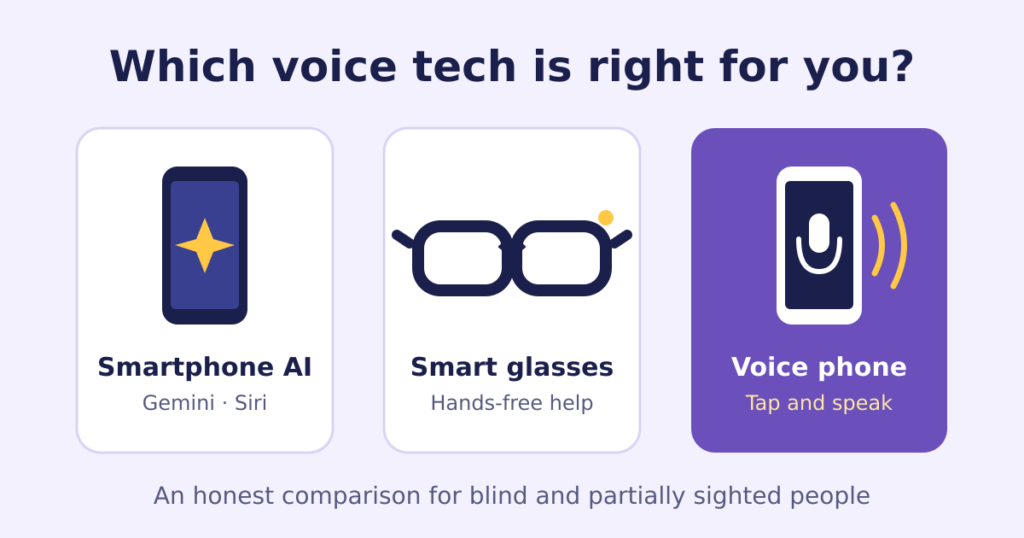
Choosing the best phone for blind people got more complicated this year. Google launched Guided Vision, which gives spoken descriptions of what your camera sees, in real time. AI smart glasses from Meta can now read text, describe your surroundings and connect you hands-free to a sighted volunteer through Be My Eyes. And the voice assistants on mainstream phones keep getting better.
So it’s a fair question: do you still need a phone designed specifically for sight loss?
We make one, RealSAM Pocket, so we have an obvious interest. We’ll try to give you a straight answer anyway, because the wrong choice costs you money, time and confidence.
Mainstream AI has genuinely improved
Let’s start with credit where it’s due.
- Google Gemini and Guided Vision (Android). Guided Vision launched in October 2026. You can start it from TalkBack, Android’s screen reader, or with a shortcut, then point your camera and ask what’s in front of you. It was built with blind and low vision testers.
- Siri and VoiceOver (iPhone). VoiceOver is the most widely used screen reader among blind smartphone users, and many people in the blind community recommend the iPhone for its reliability.
- AI smart glasses. Ray-Ban Meta glasses let you ask what you’re looking at, make calls and connect to Be My Eyes volunteers or companies, keeping both hands free for a cane or guide dog.
If you’re a confident tech user, the best phone for blind people may simply be the one you already have, with these tools switched on. Our guide to choosing a phone for people with sight loss covers the basics.
What they still ask of you
The catch is that mainstream tools are built for everyone, so they come with everything. That means:
- Gestures to learn. Screen readers change how the whole phone works. Swipes, double taps and rotor controls take weeks of practice.
- Settings to manage. Turning features on, setting up shortcuts, granting app permissions, pairing glasses with a phone.
- Updates that can change things. After a major iPhone update in 2025, some VoiceOver users temporarily lost speech until Apple released a fix. If you rely on speech, that’s a serious problem.
- Several apps to juggle. Calls in one place, messages in another, AI help in a third, audiobooks in a fourth.
If you enjoy technology, that’s a fair trade for the power you get. If you don’t, it can be the reason a phone sits unused.
Best phone for blind people: a side-by-side look
| Smartphone + Gemini or Siri | AI smart glasses | Dedicated voice phone (e.g. RealSAM) | |
|---|---|---|---|
| Best for | Confident tech users | People who want hands-free help on the move | People who find smartphones hard, or are new to sight loss |
| How you use it | Screen reader gestures + voice | Voice and touch on the frame, paired with a phone | Tap anywhere and speak |
| Learning curve | Steep at first | Moderate, plus phone setup | Low |
| Range of apps | Almost unlimited | Growing, through the paired phone | Focused set of built-in features |
| What you still need | Time to learn, and someone to help with setup | A smartphone to pair with | Mobile signal |
When a voice phone is the best phone for blind people
A dedicated voice-operated phone like RealSAM Pocket is likely to suit you if:
- You’ve tried a smartphone and found the gestures too much
- You’re losing your sight later in life and don’t want to relearn your phone from scratch
- You want calls, messages, audiobooks, news and help from sighted volunteers in one place, all by voice
- You’d rather ask for what you want than navigate menus.
When it isn’t
Be honest with yourself here. A dedicated voice phone is probably not right if:
- You’re already happy with VoiceOver or TalkBack
- You rely on lots of specific apps, such as your bank’s app or work tools
- You love trying new technology as it arrives.
In that case, keep your smartphone and explore Guided Vision, Be My Eyes or AI glasses. That’s a great setup.
You don’t have to choose just one
Many people use more than one tool: an AI app for reading post, a pair of glasses for getting around, and the phone they find easiest for calling family. The best setup is the one you actually use every day.
The good news is you don’t have to pick between a simple phone and smart glasses. RealSAM Pocket can connect to Meta glasses, so you can get hands-free help from the glasses with a phone you can operate just by speaking.
Not sure what would suit you? Call the RealSAM Support team on 0333 772 2708 or email helpline@realsam.co.uk. We’ll tell you honestly if a RealSAM phone isn’t the right fit, and you can try one for 30 days, risk-free.